

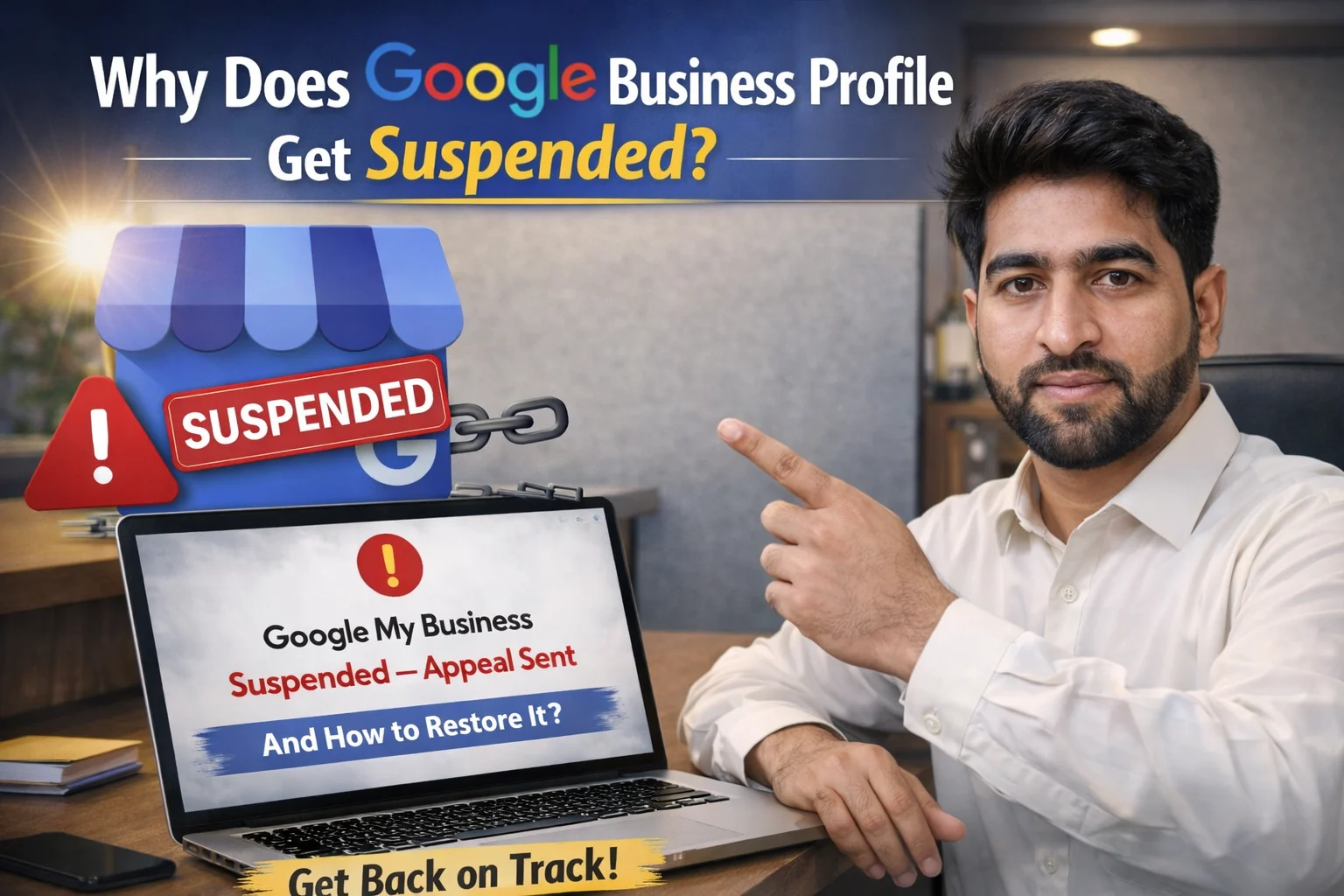
I was completely stressed when my Google Business Profile got suspended for 30 days, and I had no idea why it happened, especially since I had been following all the rules properly.
It was October 21, 2024, when this happened to my local business – a jewelry shop that I personally use and operate. Now you might be wondering what fields I work in. Well, brother, along with online work, I also do physical work. I own a General Ladies Store “Al-Rehman General Store” where I sell clothes, jewelry, and ladies’ items both physically and online.
I’m not usually there most of the time because I have staff working there who take care of everything. So, on October 21, when I opened my phone in the morning, I saw an email from Google saying that my Google Business Profile had been suspended. I was really worried and couldn’t understand why this had happened.
I used to regularly update details about new products there and on my online store. At that moment, I couldn’t figure out what mistake I had made.
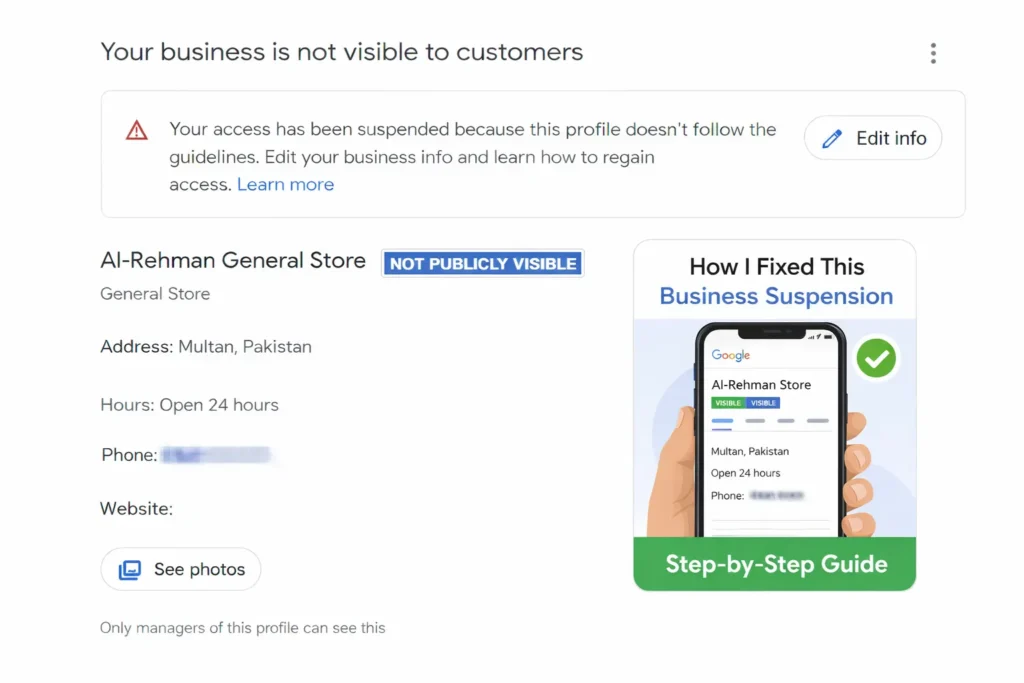
After about 3-4 hours, while sitting in my office and checking the issue, I noticed something. I realized that I had used AI to generate several images and text where the numbers and business name were different. I had often told my staff to update these in my absence, so maybe this had happened from their end.
Before this, I had also resolved such issues for several of my clients, whose accounts were mostly rejected or suspended due to fake reviews and incorrect categories. By the beginning of 2026, I had solved more than 12 such issues, and now this was my own account problem.
I deleted all of this content, thoroughly checked my entire Google Business Profile, which took about 2-3 hours. After fixing everything, I submitted an appeal the next day, and within 3 days, my account was restored. Now let me tell you exactly how I got Google my Business Account reinstated.
Also Read: How to Sell Websites and Blogs and Make Good Revenue
Why Does Google Business Profile Get Suspended and How to Restore It?
These days, many business owners are worried because their Google Business Profile suddenly gets suspended, just like in my story. By 2026, Google’s policies have become even stricter, and now it’s becoming difficult to submit new business profiles without proper verification. But there’s no need to worry – read the detailed information below and try to solve your problem:

What are common reasons for account suspensions?
It’s very important for you to understand these reasons because if you don’t know them, you definitely won’t be able to do anything about it. Google usually suspends profiles for these mistakes:
- Keyword Stuffing: Inserting city names or services in your business name (e.g., writing “Best Pizza in Karachi” when your shop’s actual name is just “Pizza Point”)
- Incorrect Address: Providing a P.O. Box, virtual office, or an address where you’re not physically present
- Duplicate Profile: Creating two or more profiles for the same address
- Sudden Information Changes: Abruptly changing business name, category, or address – Google considers this “suspicious”
- Home Business Issues: If you work from home but have your address publicly visible (Home-based businesses should have their address hidden)
- Uploading incorrect images or showing wrong/fake services
- Getting fake reviews – Google now catches this very quickly
- Entering incorrect information when creating a new account (Google now verifies first)
The AI Factor
Since AI arrived, Google has now integrated Google Maps and Google My Business with AI. Now if anything is fake, it can be immediately detected, and your business growth can be affected.
Therefore, always provide truthful and correct information so your business can grow properly. Now let me tell you some methods that, if your profile gets suspended, following them will get it restored.
Step-by-Step Solution to Restore Your Suspended Profile
Step 1: Profile Audit
First of all, you need to check your profile – Is the name correct? Is the address and phone number accurate? Fix any mistakes you find first. Just like I did, use the same method.
Step 2: Gather Evidence
If your profile gets suspended, Google usually asks for storefront photos or video proof. Without this, you cannot verify or reactivate your business. Google may ask for your license or some document as proof, so keep these ready.
Step 3: Use the Appeal Tool
Go to Google’s official Appeals Tool. There, in “Manage Appeals,” select your profile and explain that you’ve updated your profile and it now follows the guidelines.
If you search for your business on Google My Business, it will show up but won’t be live. Click on it, and after updating everything, send the appeal again.
Step 4: Submit Evidence
If your business still doesn’t go live after doing all this, 99% of the time it will ask you to upload documents. You’ll need to upload your shop card, front image, or license number. You’ll have to upload all this through a link provided by Google, after which it will be verified.
Important Tips
In my case, Google didn’t ask me for anything – I just deleted all the extra content where there was wrong information. And yes, if you have a website or store, definitely link it. There’s an 88% chance that having a website with the same name helps verify your business.
After doing all this on Google, your account will be verified and made live within 3-7 days. If Google asks you to verify through website, your business will go live within 1 hour. That’s why I would suggest this method to you.
Need Professional Help?
If you’re having issues creating a GMB (Google My Business) profile, getting fake reviews, or if your account has been suspended, feel free to contact us. We’ll look at your case and help you, trying our best to solve your problem as quickly as possible.
Whether you live in UAE, KSA, Pakistan, or anywhere else, and your business isn’t growing, contact us. We’ll help grow your business so you can get more customers.
FAQs
If your Google Business Profile gets suspended, your business listing stops appearing publicly on Google Maps and Google Search. This can significantly affect your online visibility and customer inquiries.
There is no set period for a Google Business Profile suspension. It remains suspended until you fix the issue and submit an appeal to Google.
After submitting an appeal, the profile is usually reinstated within 3 to 7 days. If Google asks for additional documentation or verification, it can take up to 1 to 2 weeks.
Google Business Profiles get suspended for a number of reasons. The most common reason is fake accounts. Most people create accounts for online work and list fake products and services in them. That’s why Google has become faster and detects such things. If you use forbidden keywords, Keyword Stuffing and Posting inappropriate content this violate platform-specific guidelines.
Leave a Reply